MingMing
Free, offline-first study app for MBBS, BDS, USMLE Step 1/2/3, MD, PLAB, UKMLA, AMC, SMLE, Pharmacy & Medical Tech students.
100% local. No account. No cloud. No tracking.
Free, offline-first study app for MBBS, BDS, USMLE Step 1/2/3, MD, PLAB, UKMLA, AMC, SMLE, Pharmacy & Medical Tech students.
100% local. No account. No cloud. No tracking.
Everything you need to ace your medical exams — offline, private, and free.
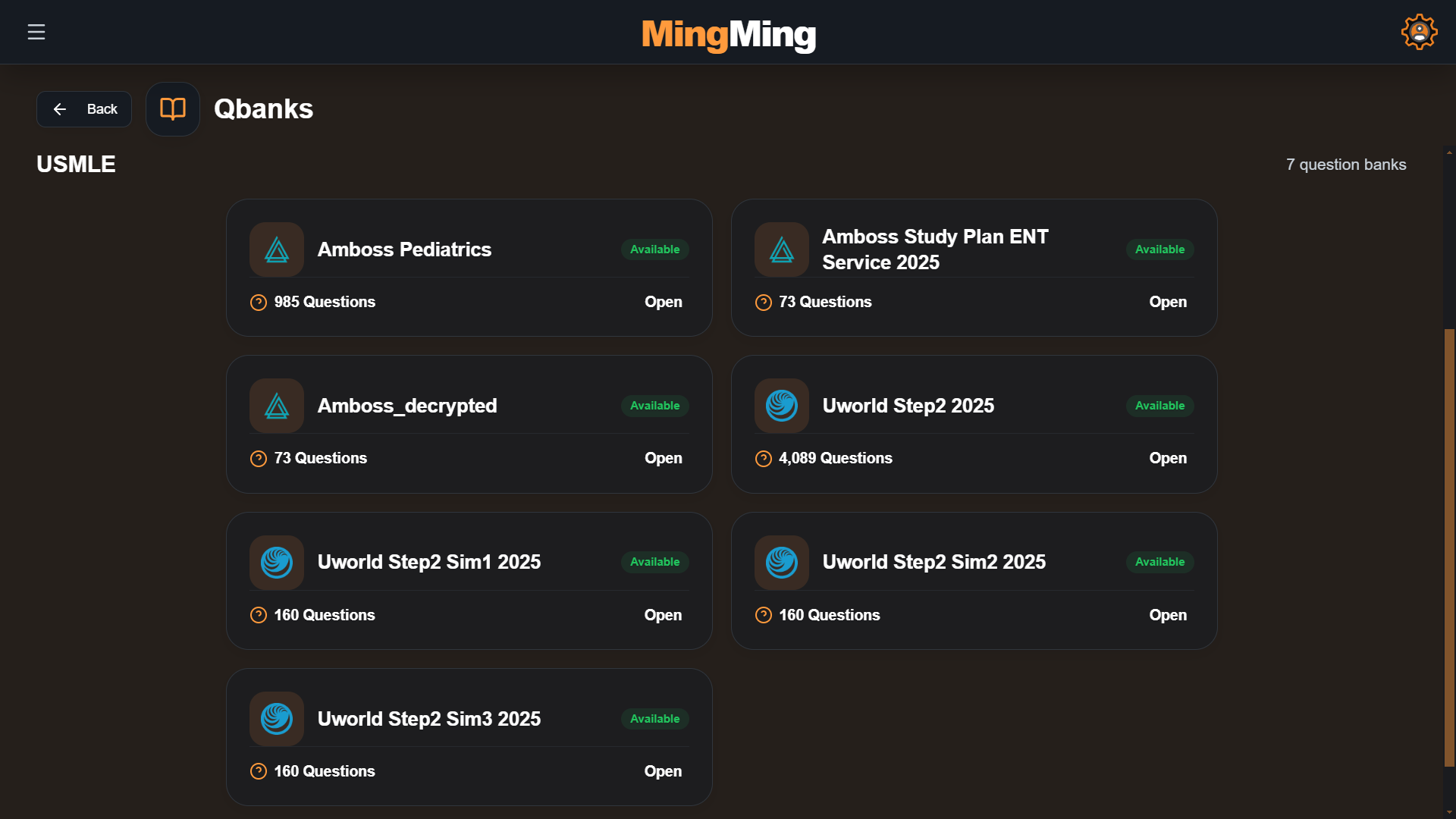
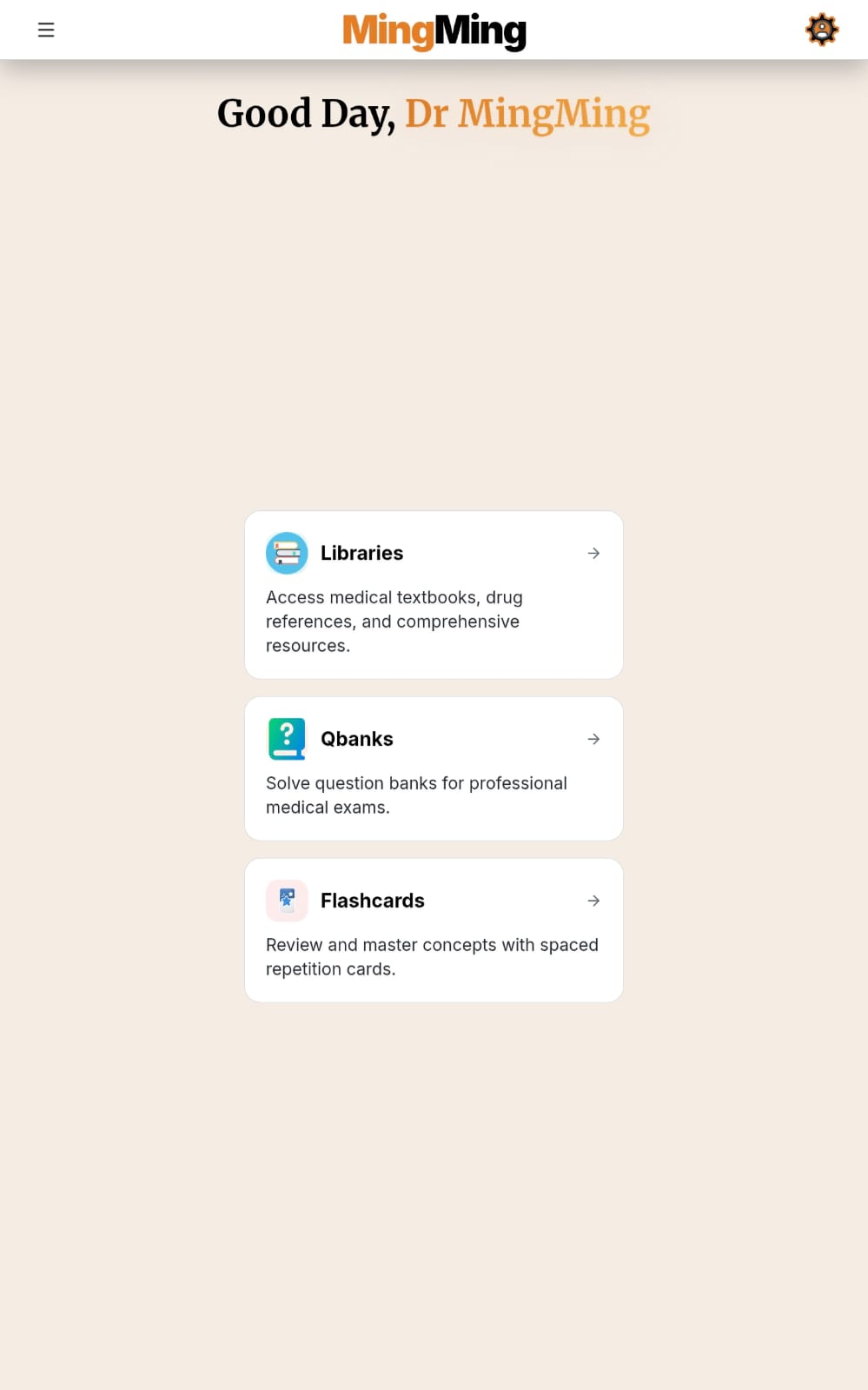
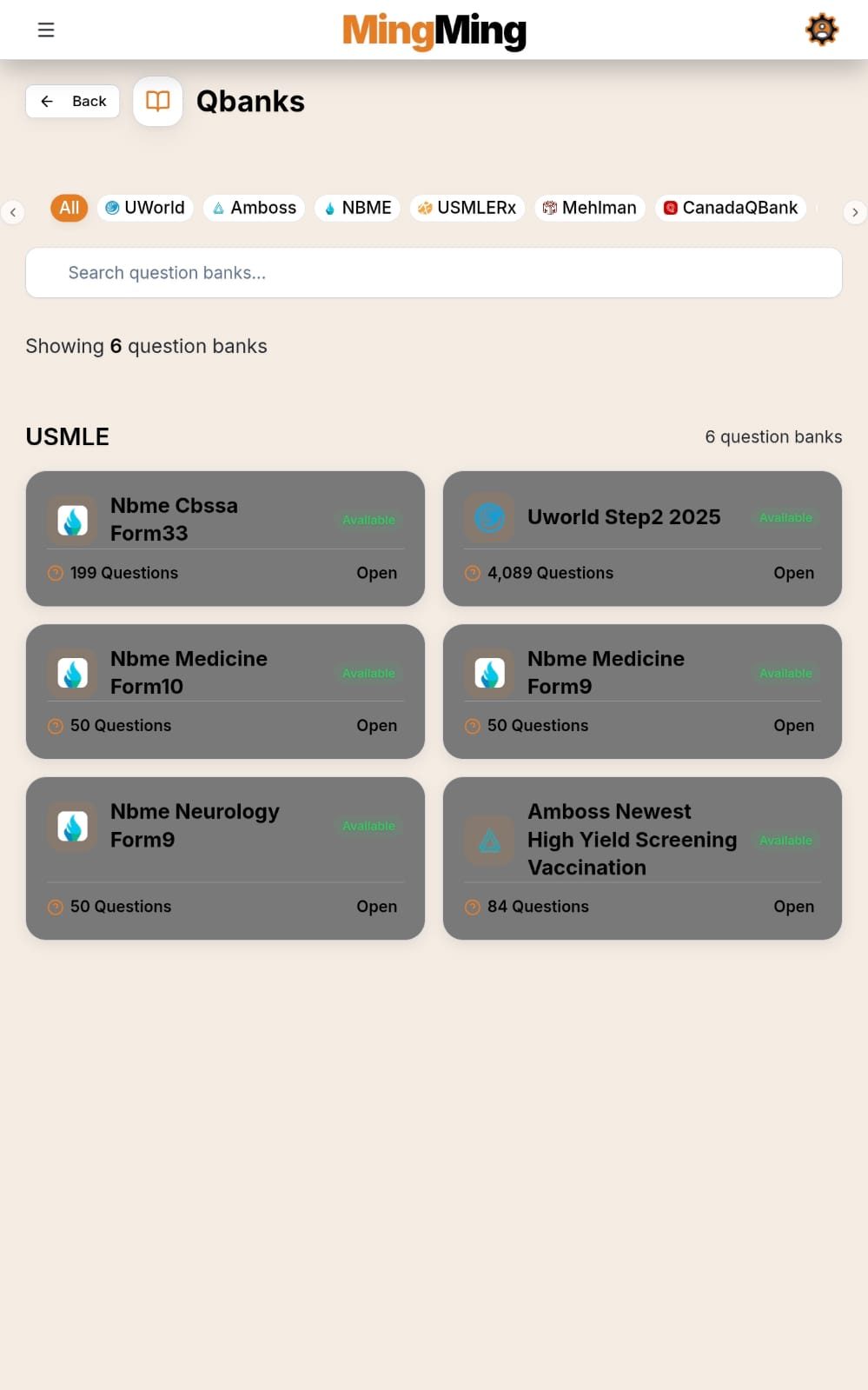
Qbanks for uWorld, Amboss, Mehlman, USMLE-Rx, BMJ, Prometric, Amedex, BoardVitals, AceQBank, PassMedicine, CanadaQBank, MPlusX. Plus 4 libraries and 2 uWorld readydeck flashcard decks.
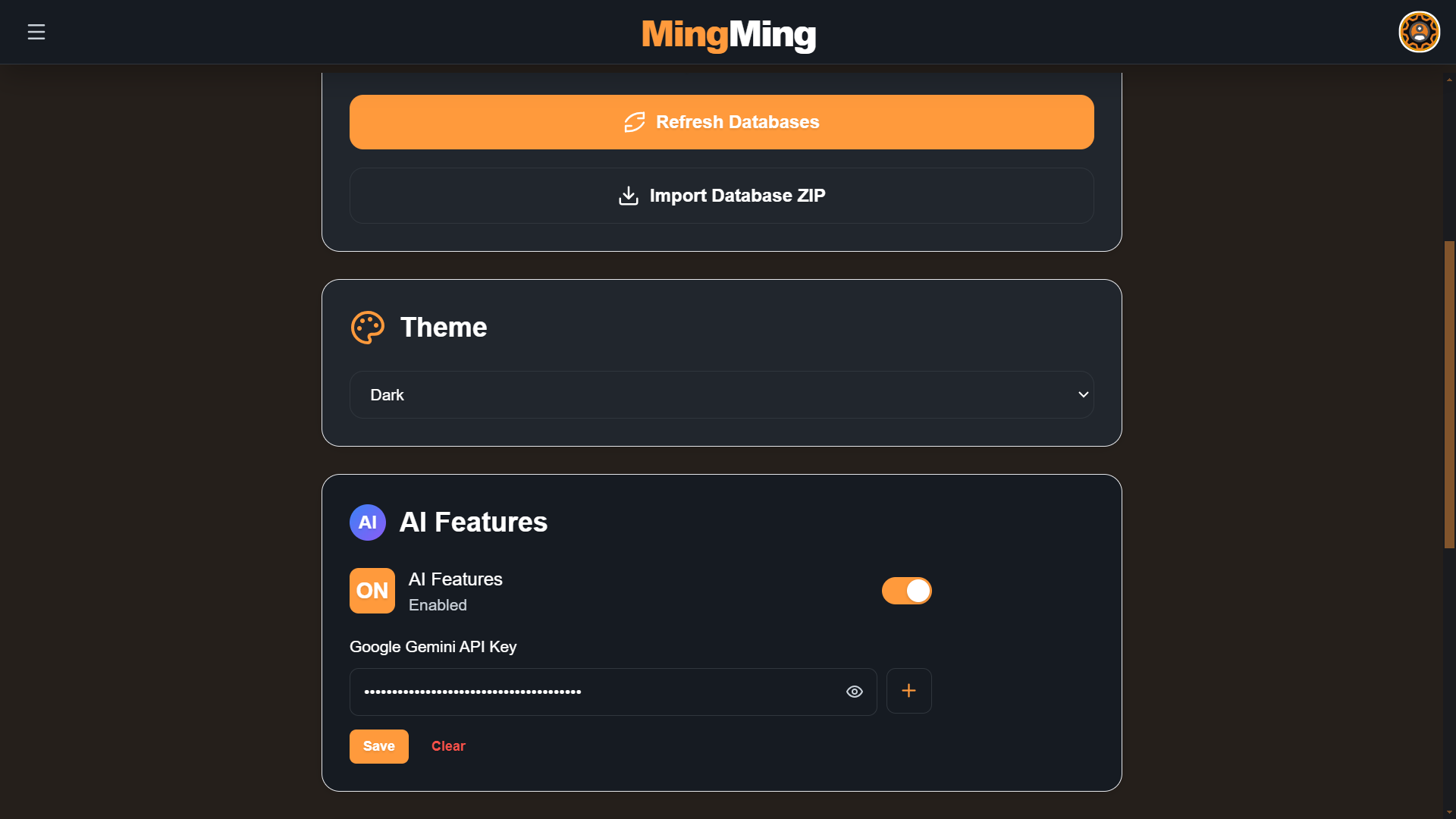
Clean, intuitive interface with 7 themes: Light, Dark Mode, Surgical Scrub, Petri Dish, Champion Gold, Biohazard, and Neon Virus.
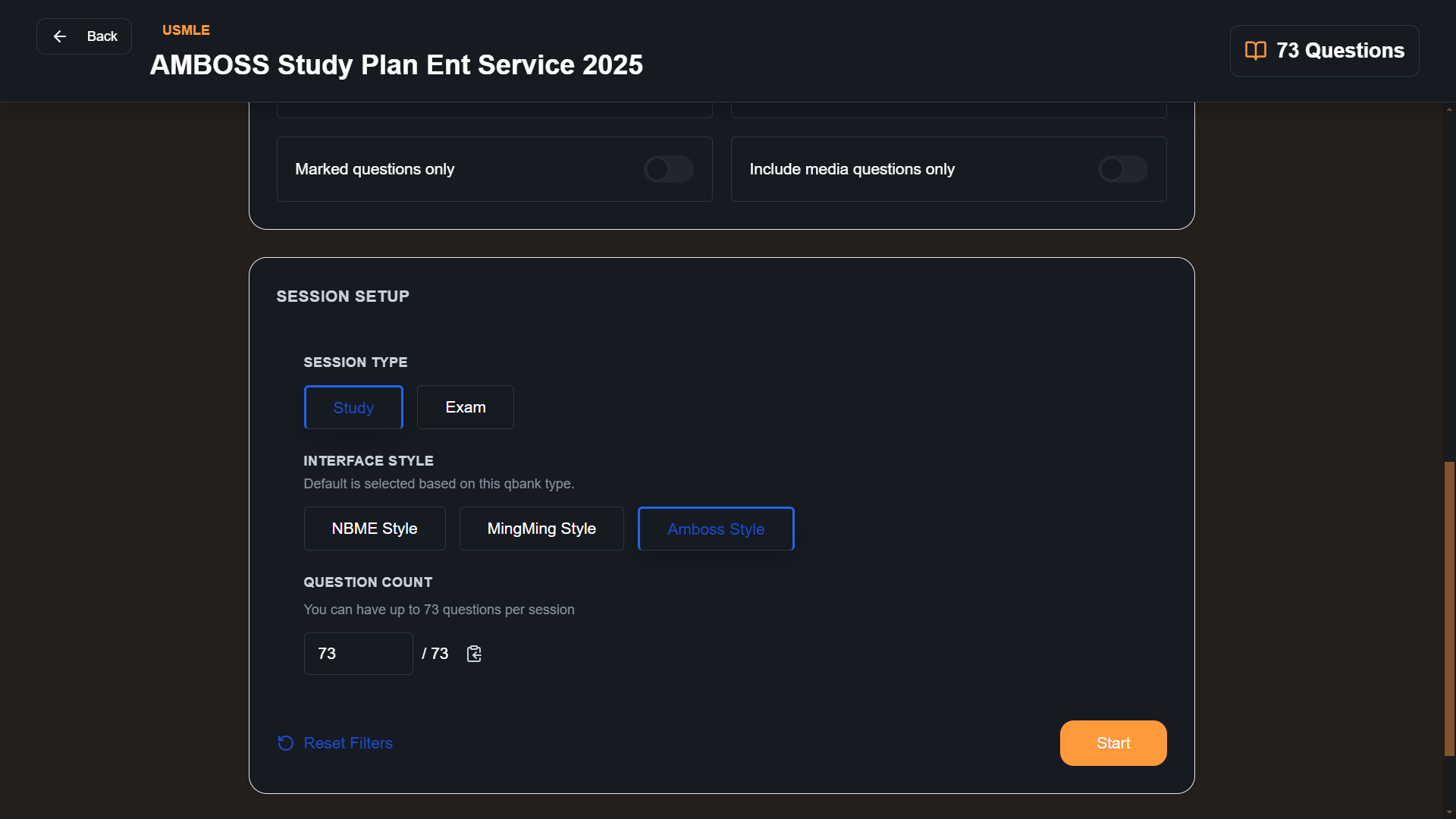
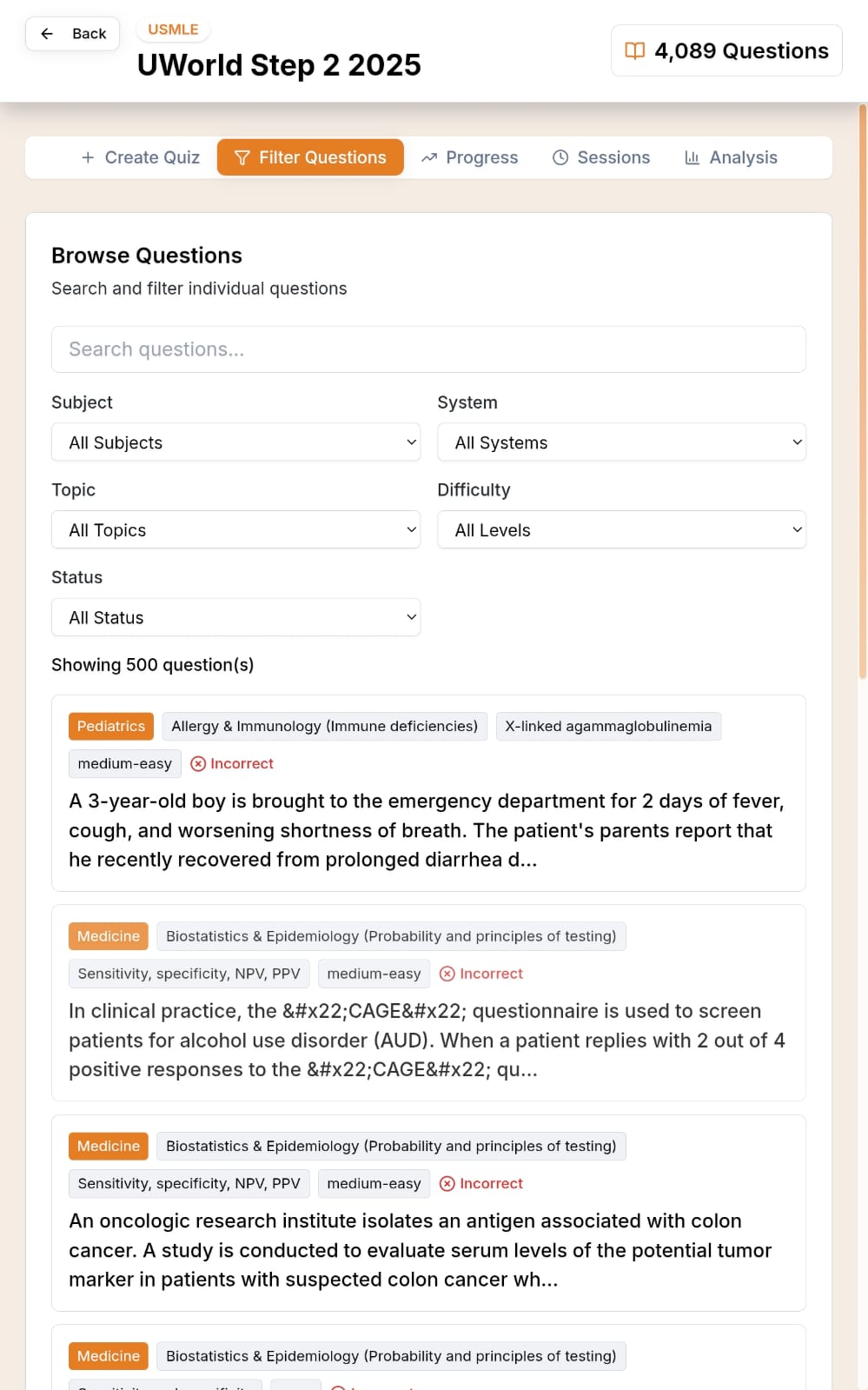
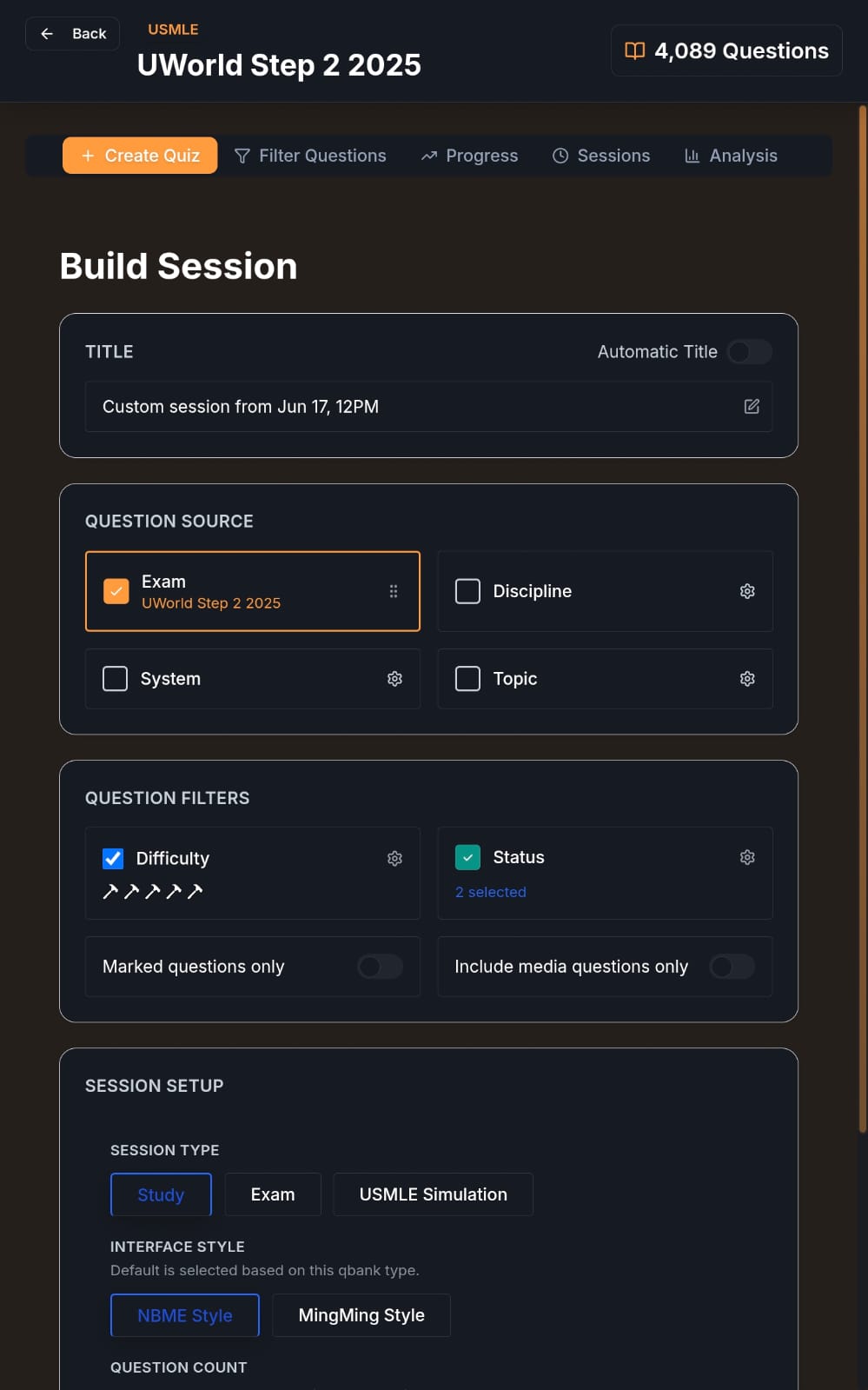
Build sessions by discipline, system, and topic. Choose Study or Exam mode. Include previously incorrect questions. Flag questions. Resume unfinished sessions.
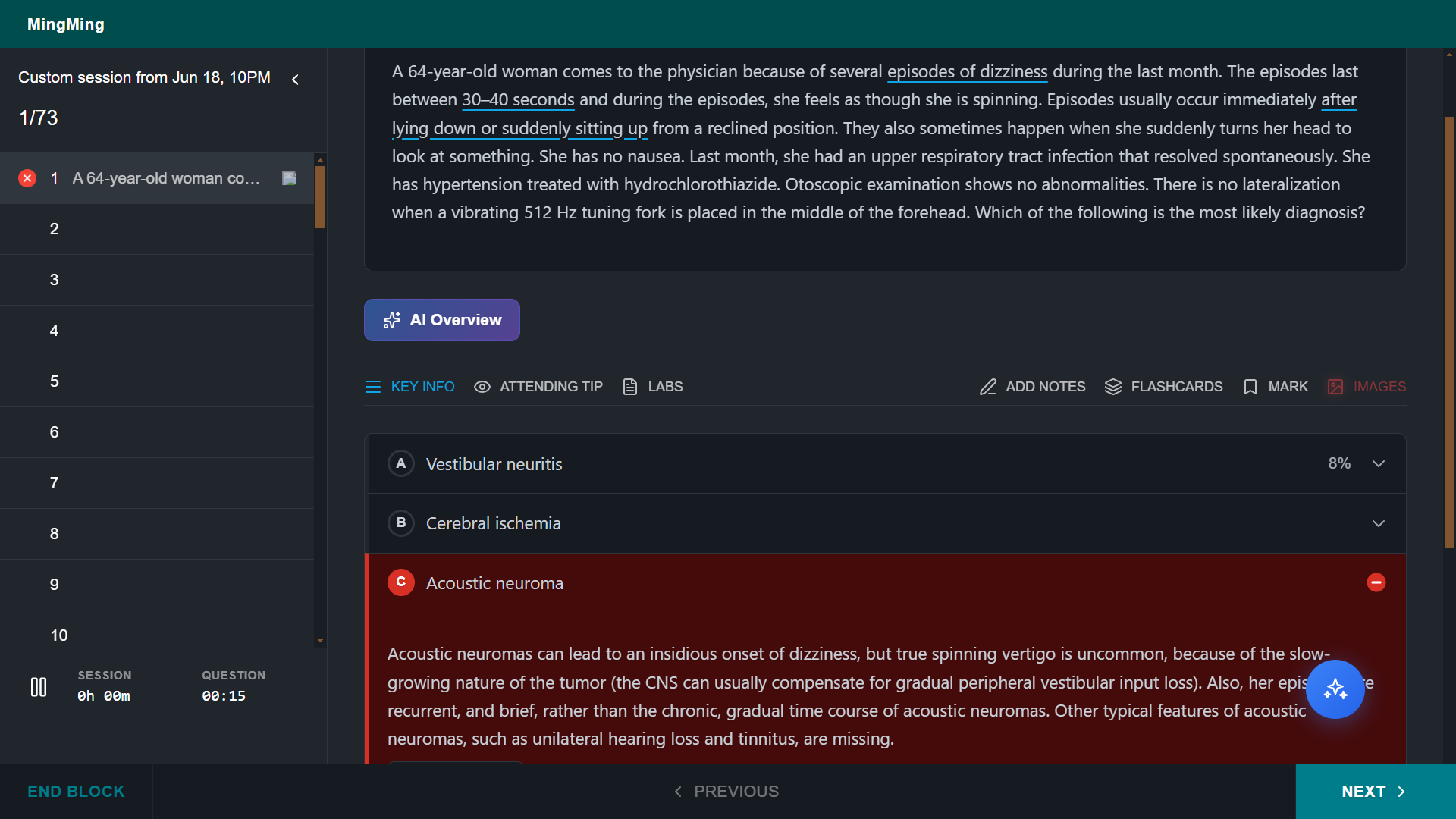
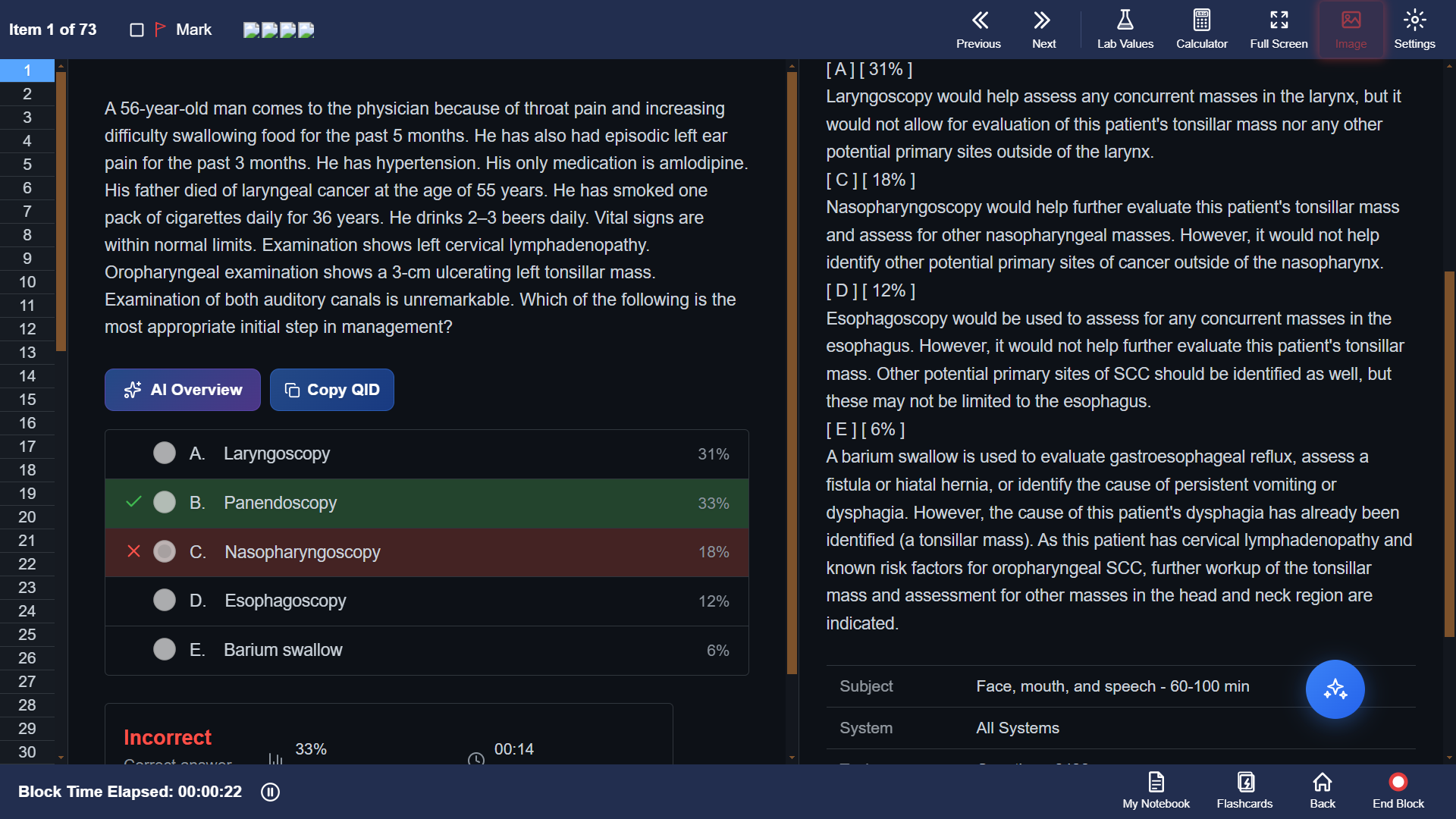
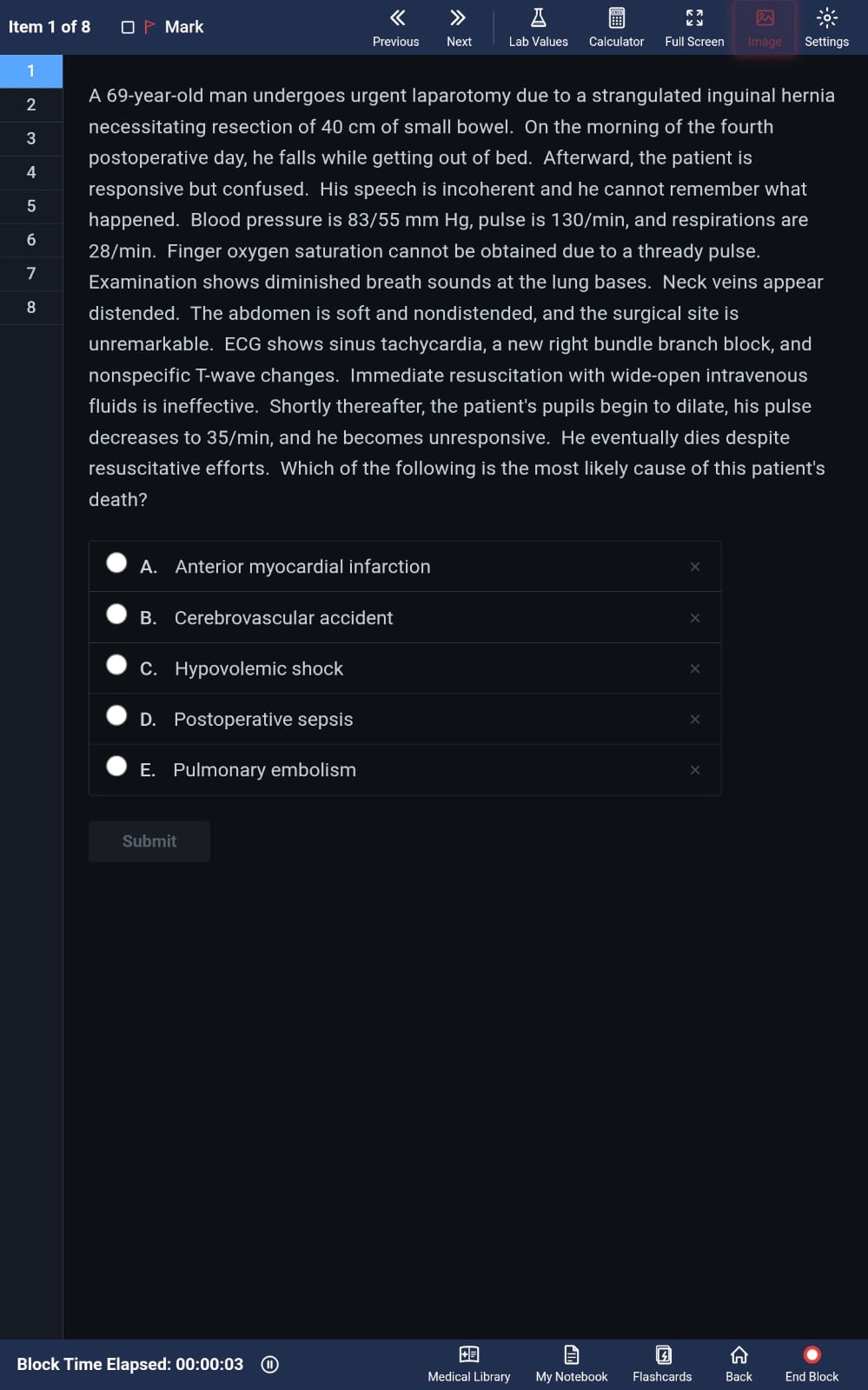
Choose from NBME, Amboss, or MingMing interface styles. Amboss Qbanks open in Amboss mode by default. Create simulation sessions for uWorld.
Highlight text with colors. Create custom flashcards. Write to notebook. Open related topics in Amboss or uWorld Library. Built-in timer per block.
Get AI walkthroughs for any question. Chat with AI in the context of the question you just answered. Powered by Gemini.
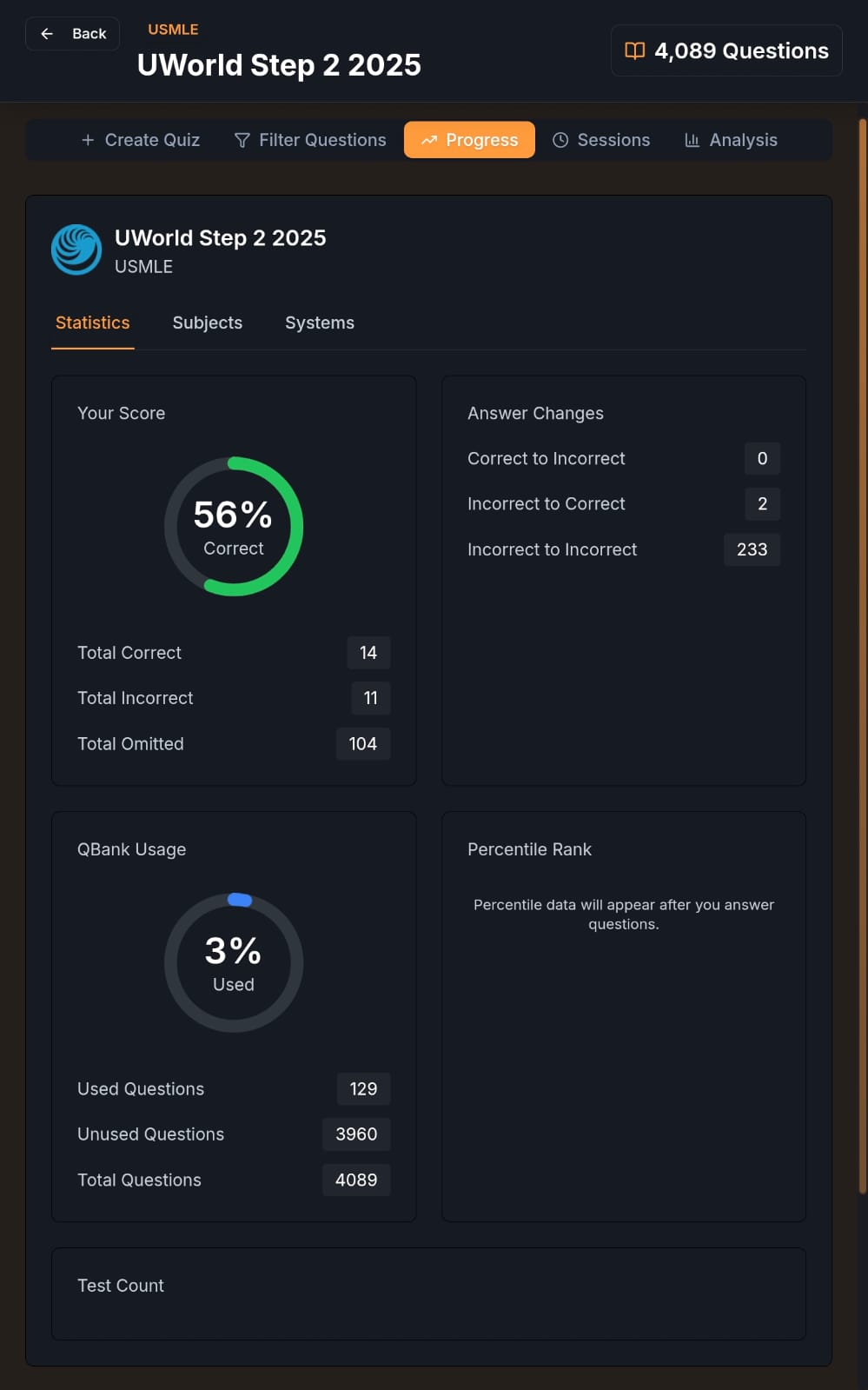
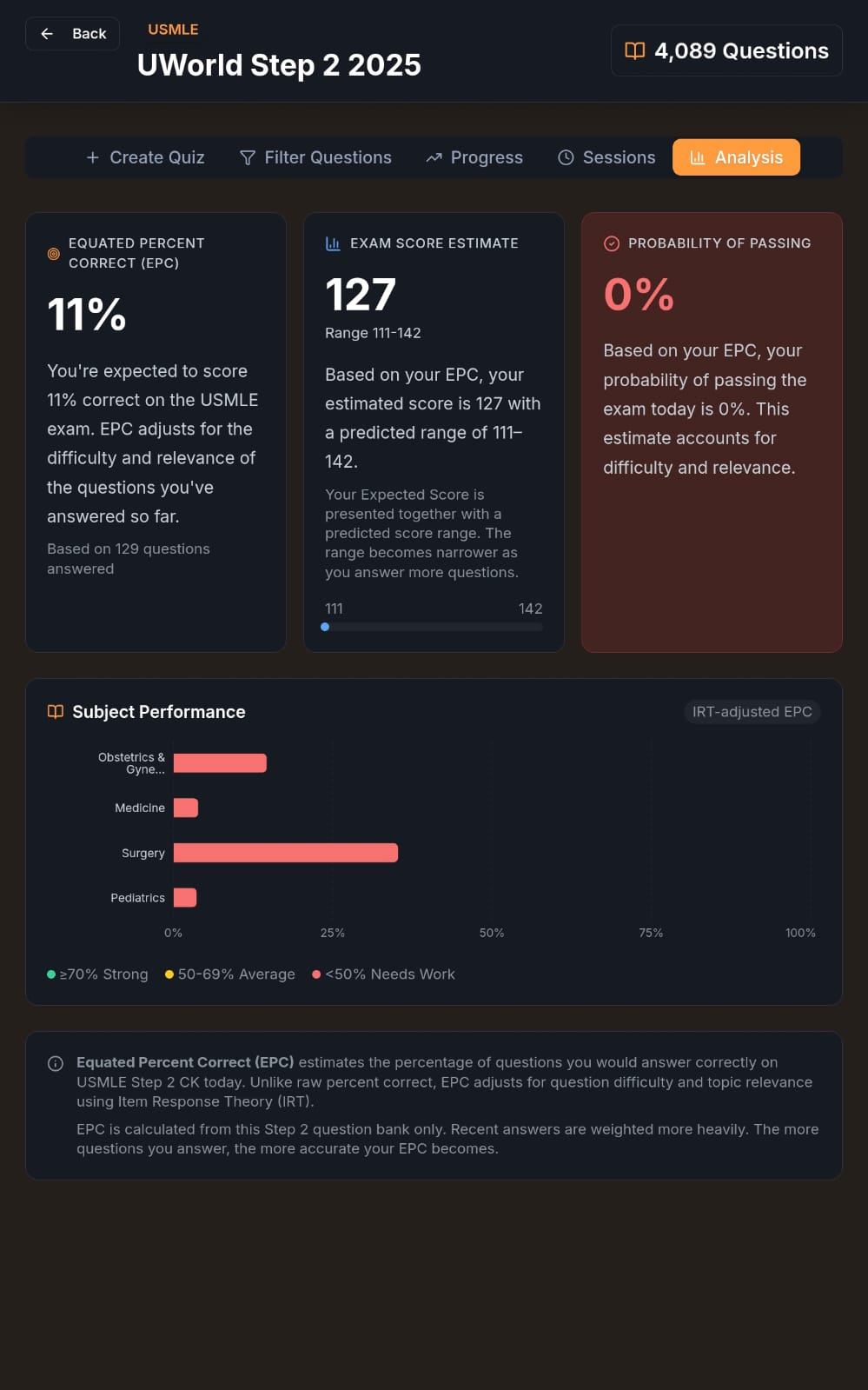
Track progress in each Qbank. Detailed reports by discipline. Predict your exam score. Apply filters and search through any Qbank.
Export settings as a JSON backup. Import on any device — works cross-platform between Windows and Android.
← Scroll to see more →
Free on Windows and Android. No account required.
| Platform | File | Notes |
|---|---|---|
| Windows | MingMing Setup X.Y.Z.exe | Run installer, follow prompts |
| Android | MingMing-X.Y.Z.apk | Enable "Install from unknown sources" if needed |
| iOS / macOS | Progressive Web App | Install guide — works fully offline after install |